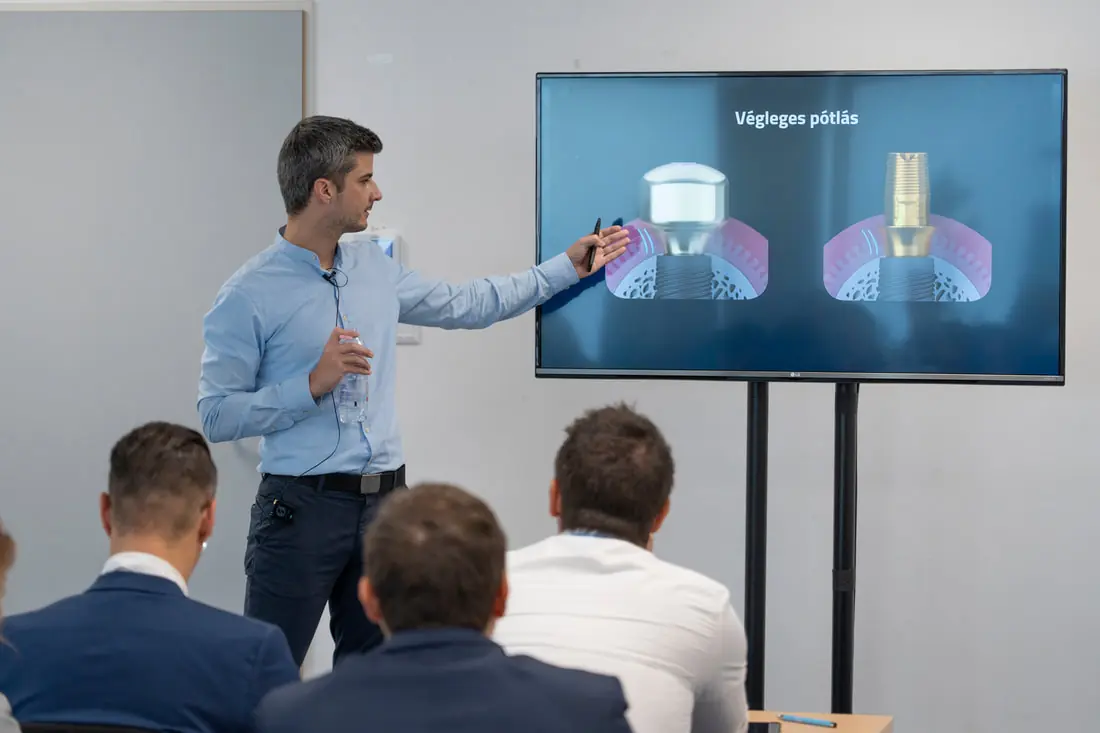
On 18 August 2020 we held a webinar organised by Straumann Hungary for those getting to know the CAD field.
The content of the fourth part:
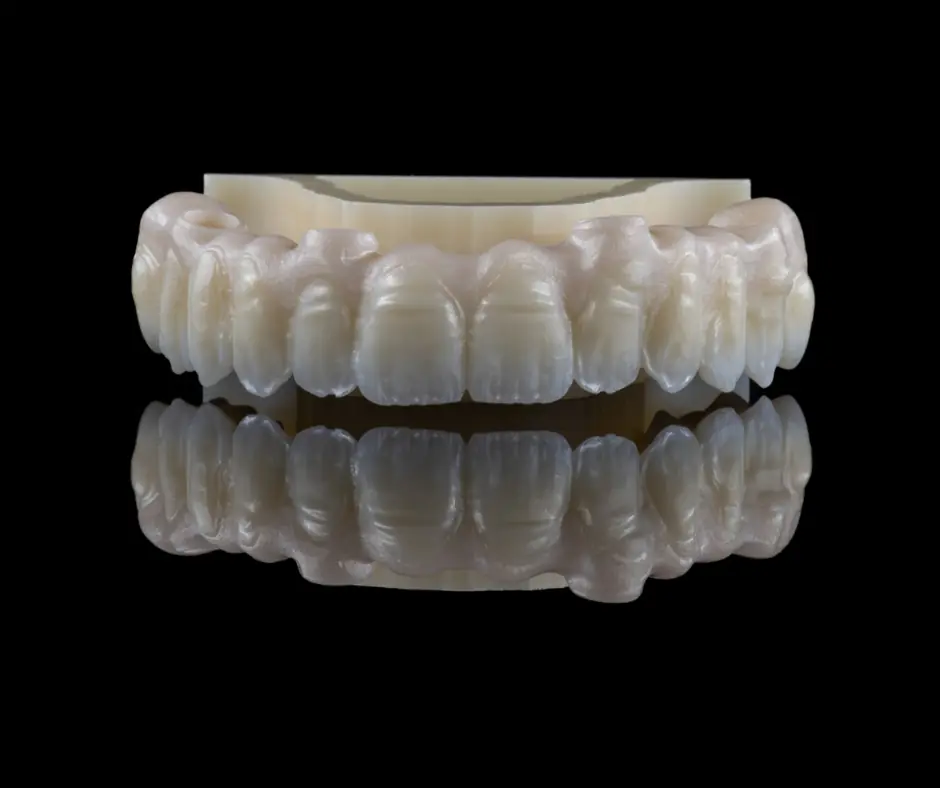
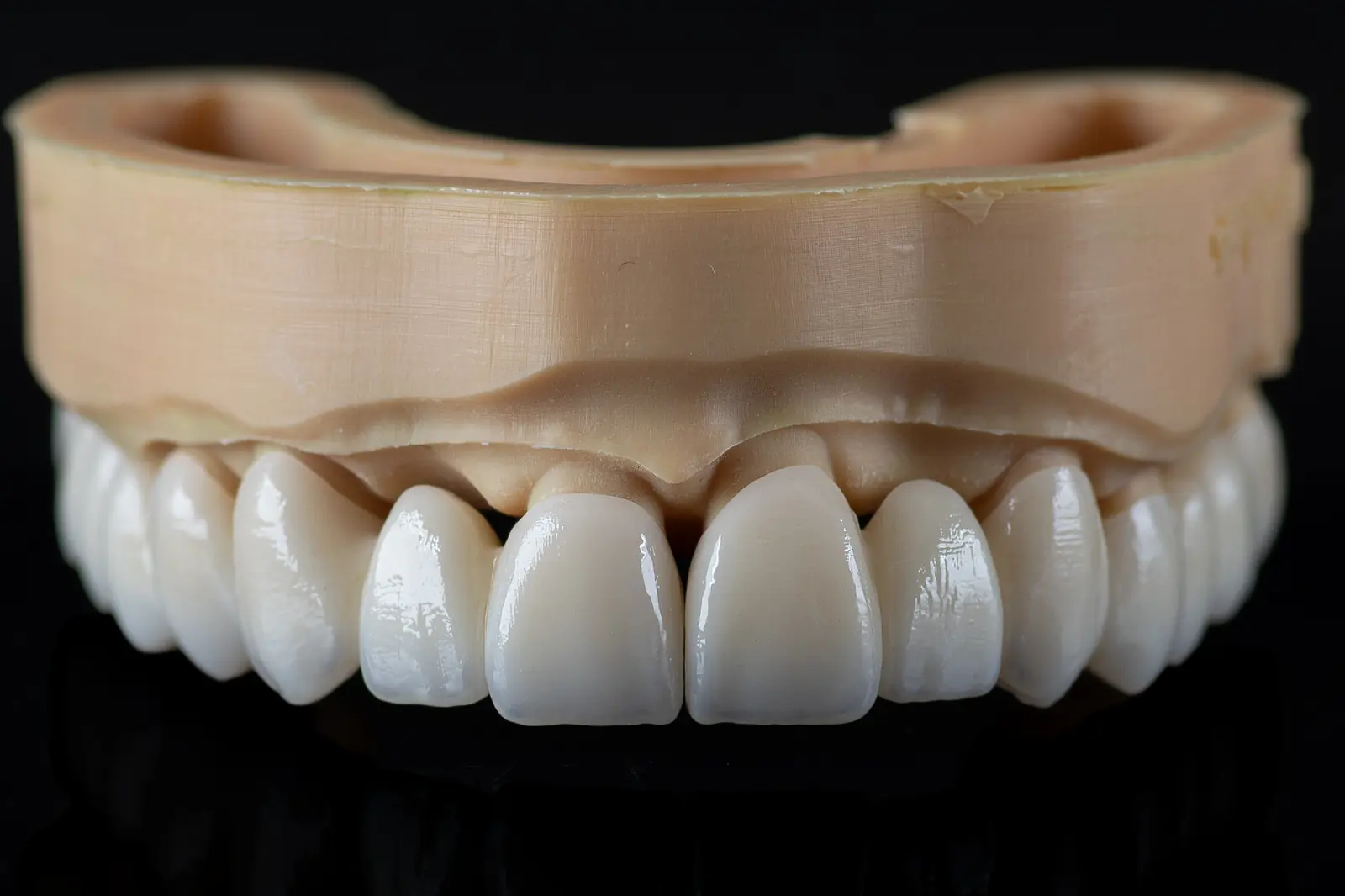
designing a printed model
creating a new project
die types
the settings of the model
The .stl files of the designed 3D model and the dies can be downloaded and viewed!
If you would like to test the precision of your own printer or of your dental laboratory partner, run a test with these files!
You can view the designed model and dies in two ways:
In a browser, open https://webview.dental/ and load the downloaded files into the interface!
On a phone or tablet, first download the free "exocad webview" application! From then on you can open any .stl file on the device, whether it is an email attachment or a downloaded file.
With this method you will also be able to check restorations designed in the laboratory in future.