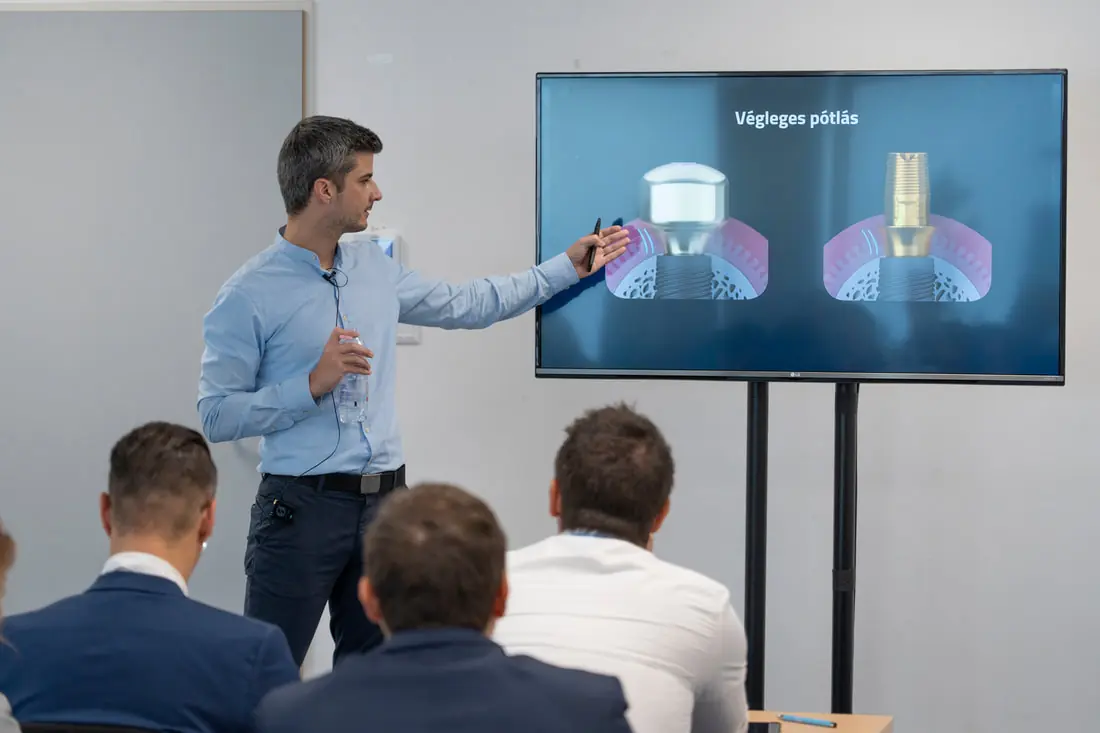
On 18 August 2020 we held a webinar organised by Straumann Hungary for those getting to know the CAD field.
The content of the third part:
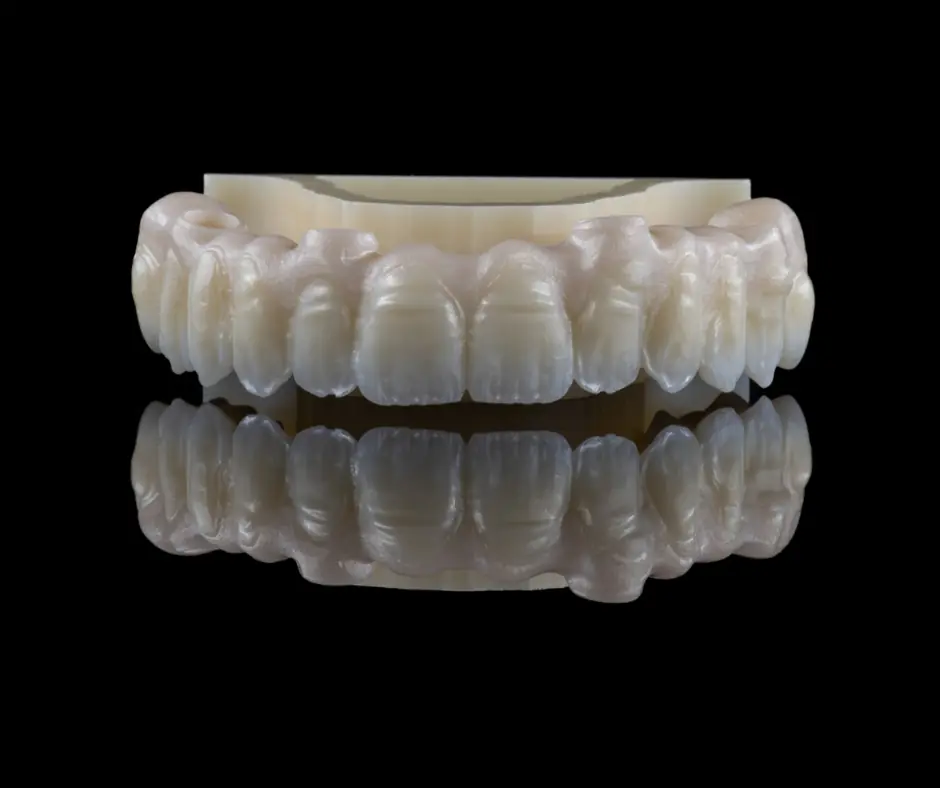
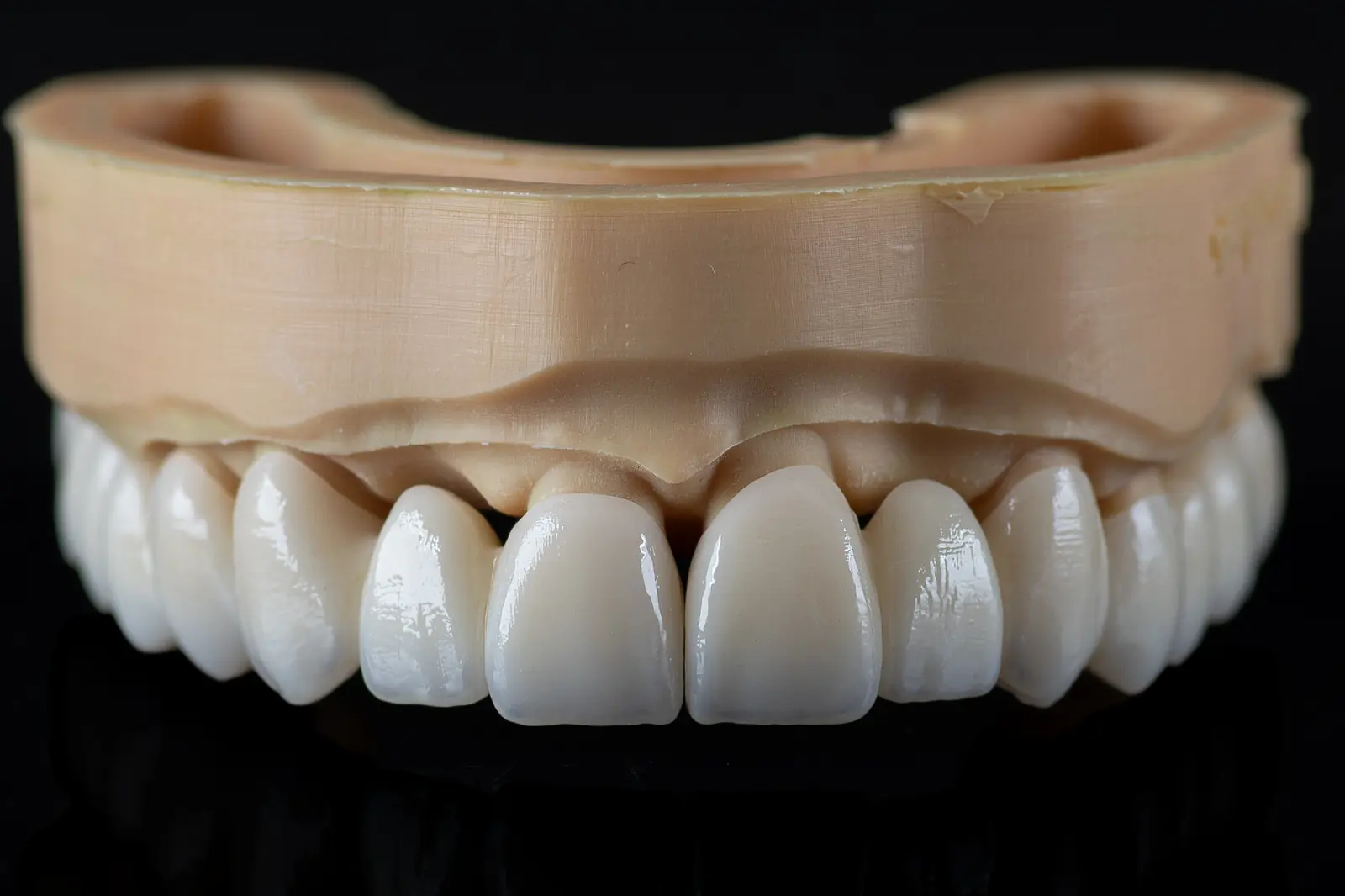
designing cutback crowns
filling in the job sheet
importing the scan
defining crown margins
setting the path of insertion
creating an anatomical connector
The .stl files of the designed crowns can be downloaded and viewed!
You can view the designed crowns in two ways:
In a browser, open https://webview.dental/ and load the downloaded files into the interface!
On a phone or tablet, first download the free "exocad webview" application! From then on you can open any .stl file on the device, whether it is an email attachment or a downloaded file.
With this method you will also be able to check restorations designed in the laboratory in future.