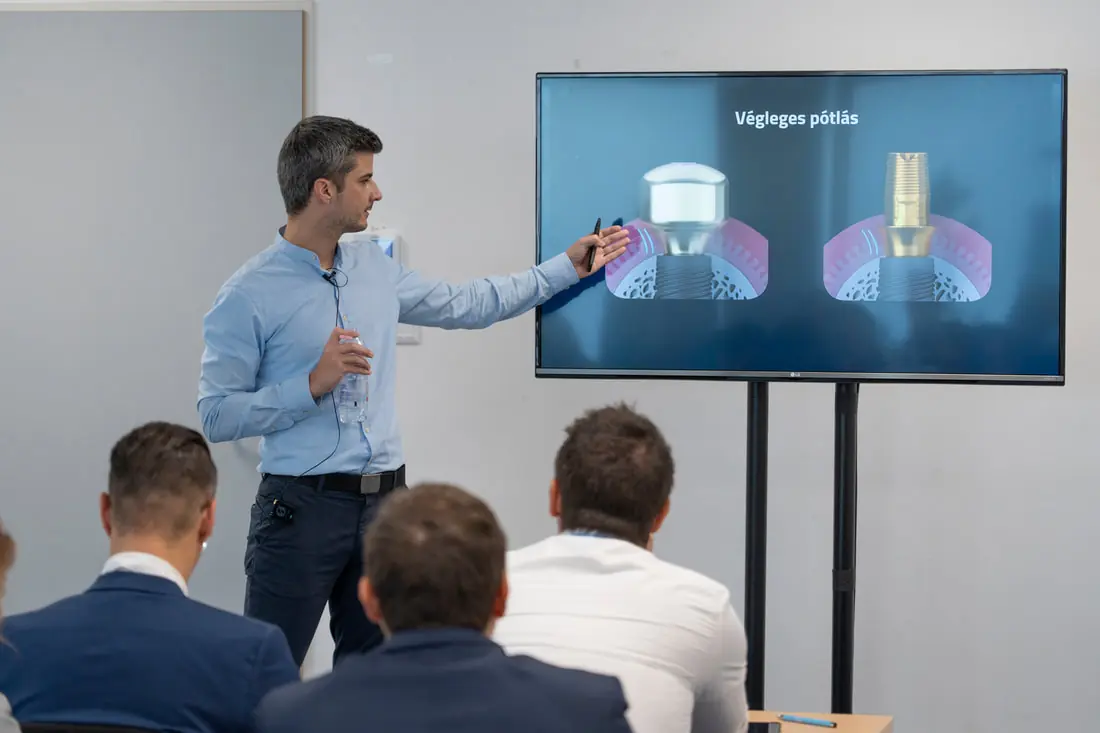
On 18 August 2020 we held a webinar organised by Straumann Hungary for those getting to know the CAD field.
The content of the second part:
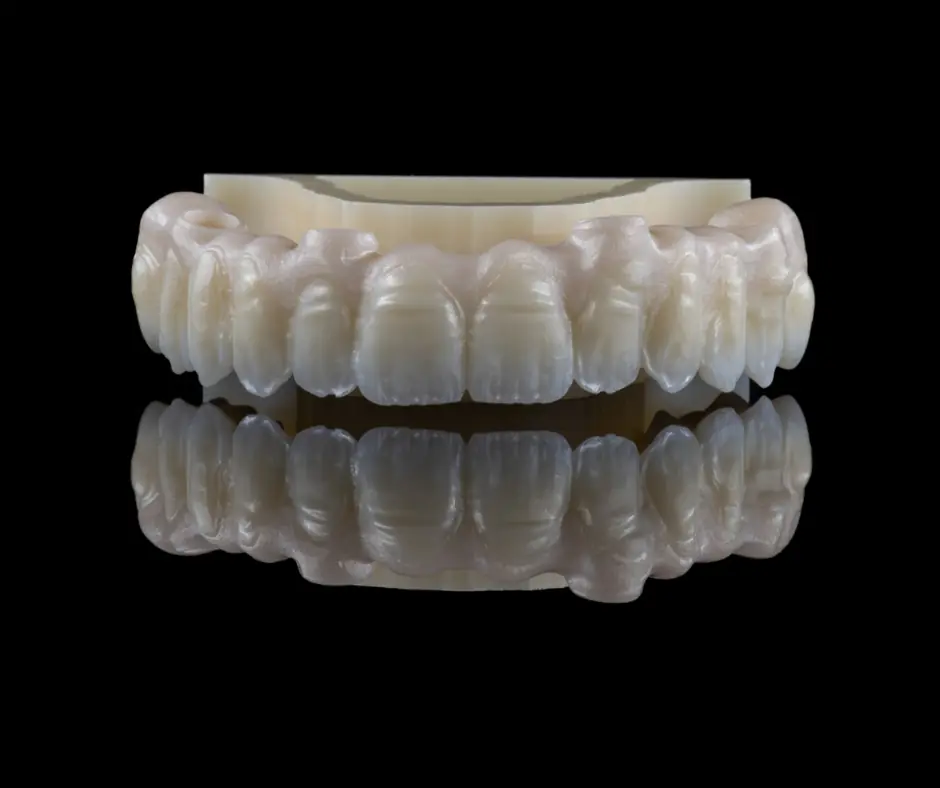
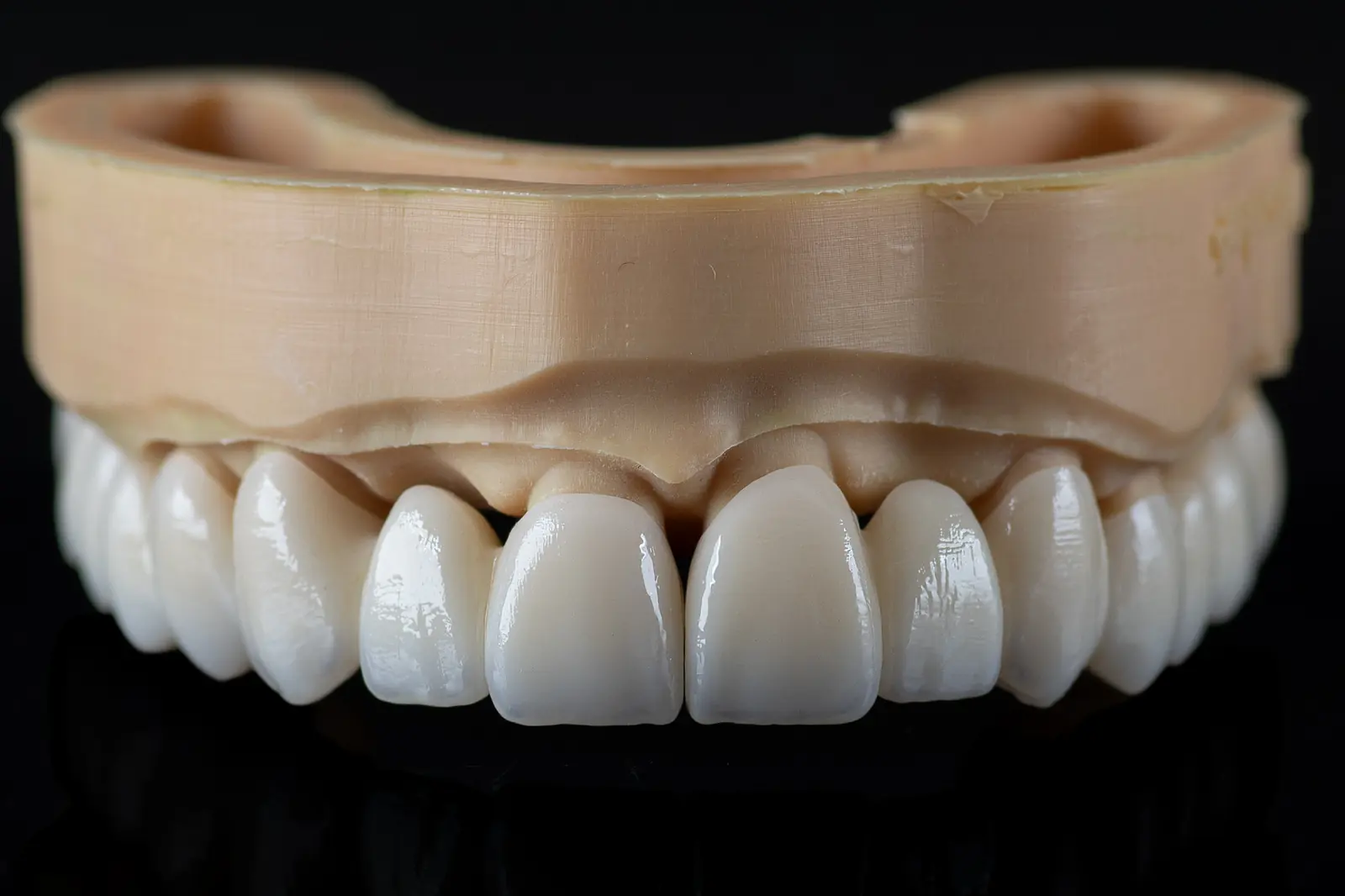
designing a bridge framework
crown types
setting the spacer
adapting pontics
editing connectors
creating margins
The .stl files of the designed framework can be downloaded and viewed!
Download the .stl files: model · antagonist · framework
You can view the designed framework in two ways:
In a browser, open https://webview.dental/ and load the downloaded files into the interface!
On a phone or tablet, first download the free "exocad webview" application! From then on you can open any .stl file on the device, whether it is an email attachment or a downloaded file.
With this method you will also be able to check restorations designed in the laboratory in future.