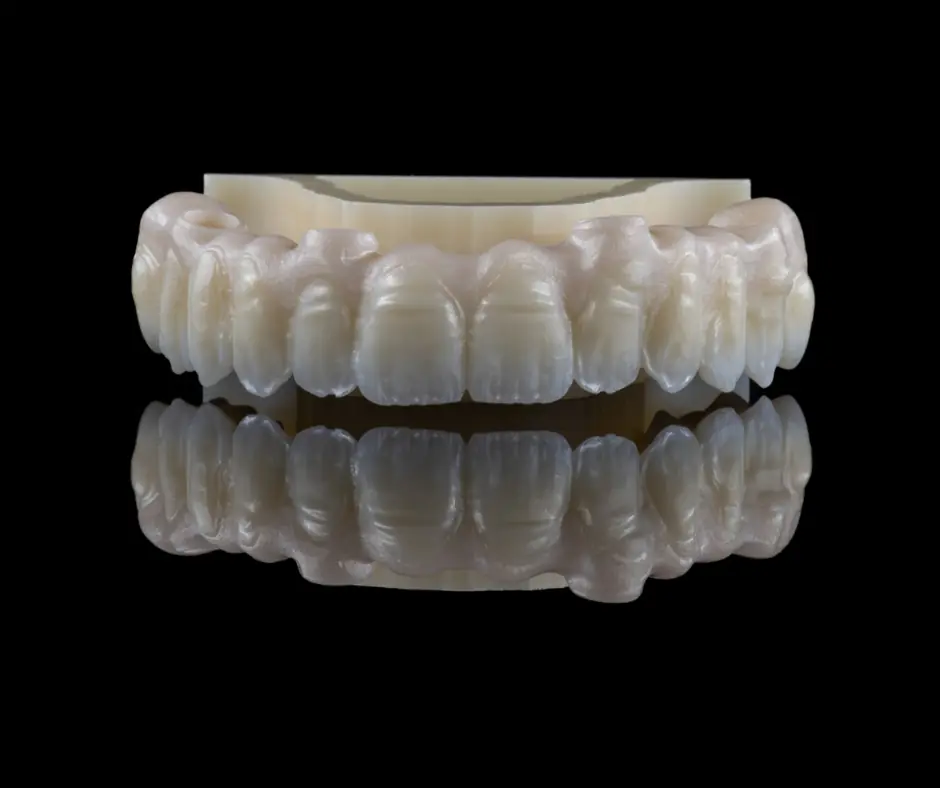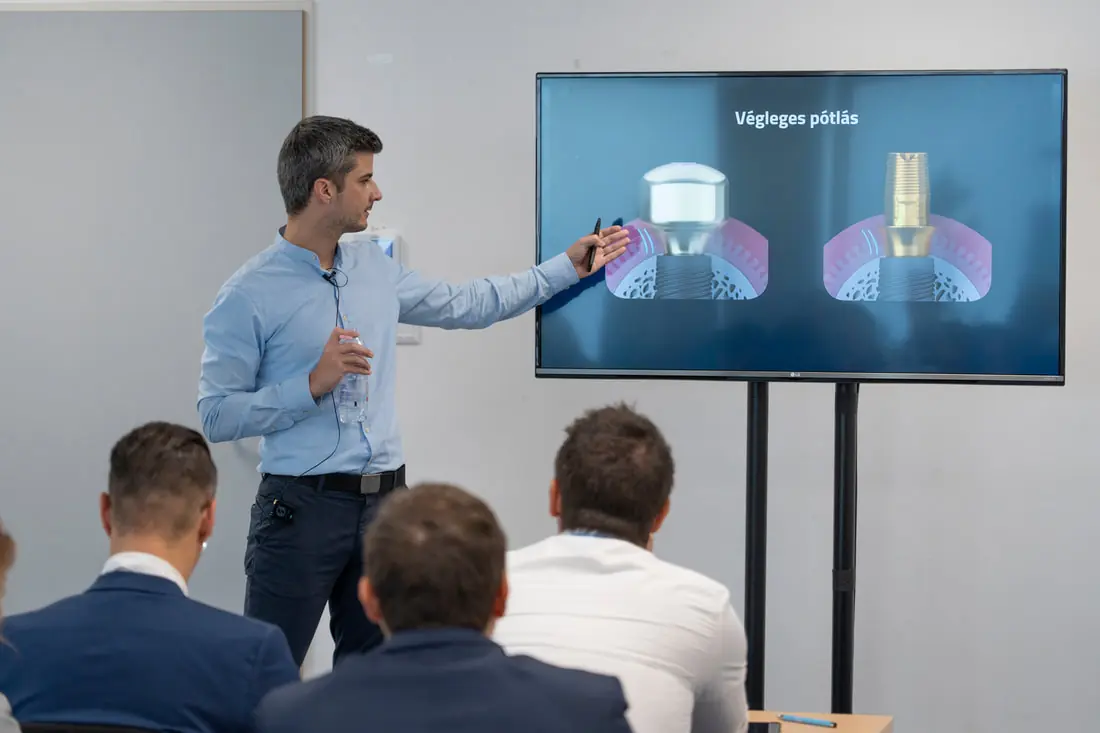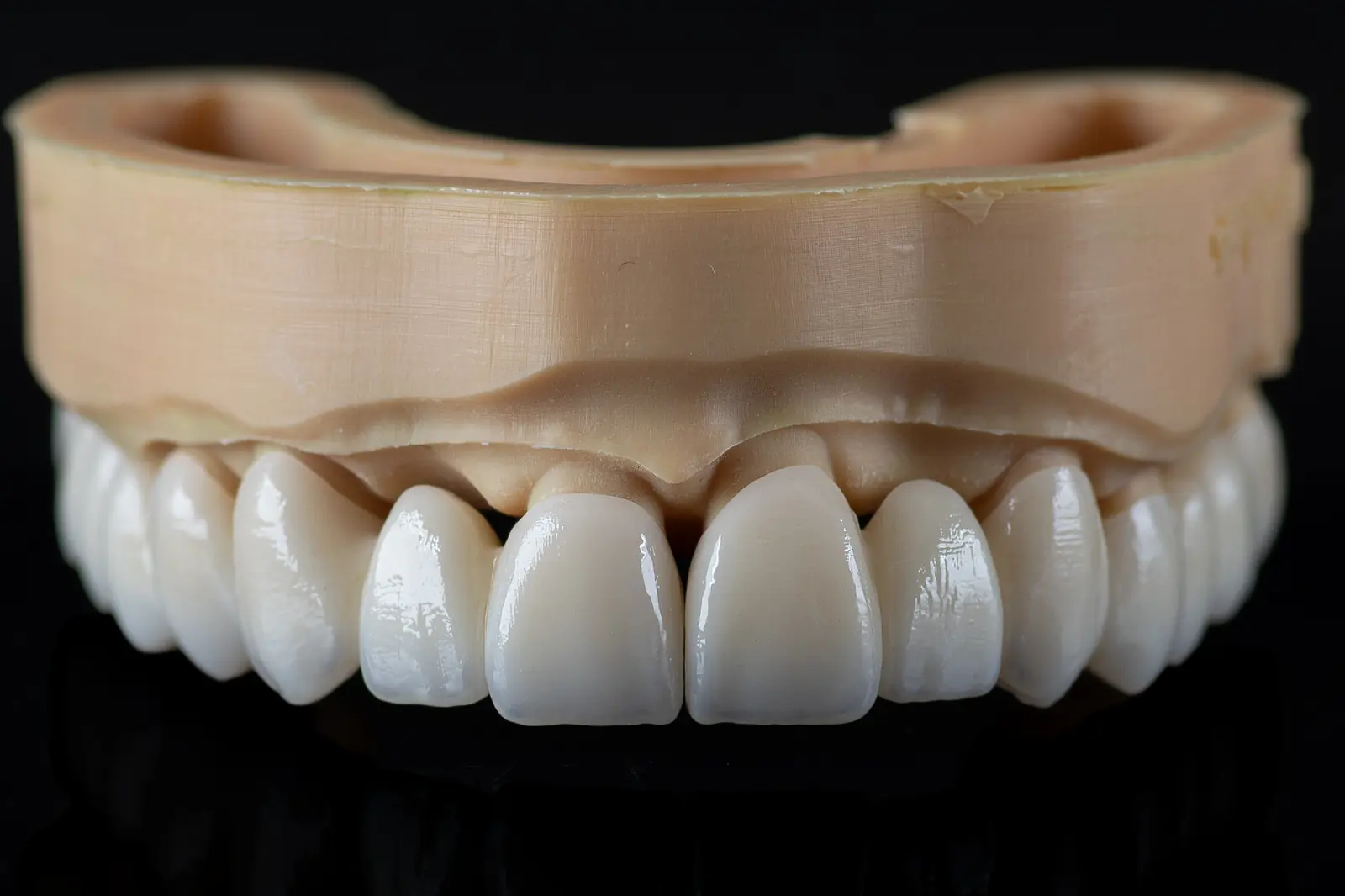
On 18 August 2020 we held a webinar organised by Straumann Hungary for those getting to know the CAD field.
The content of the first part:
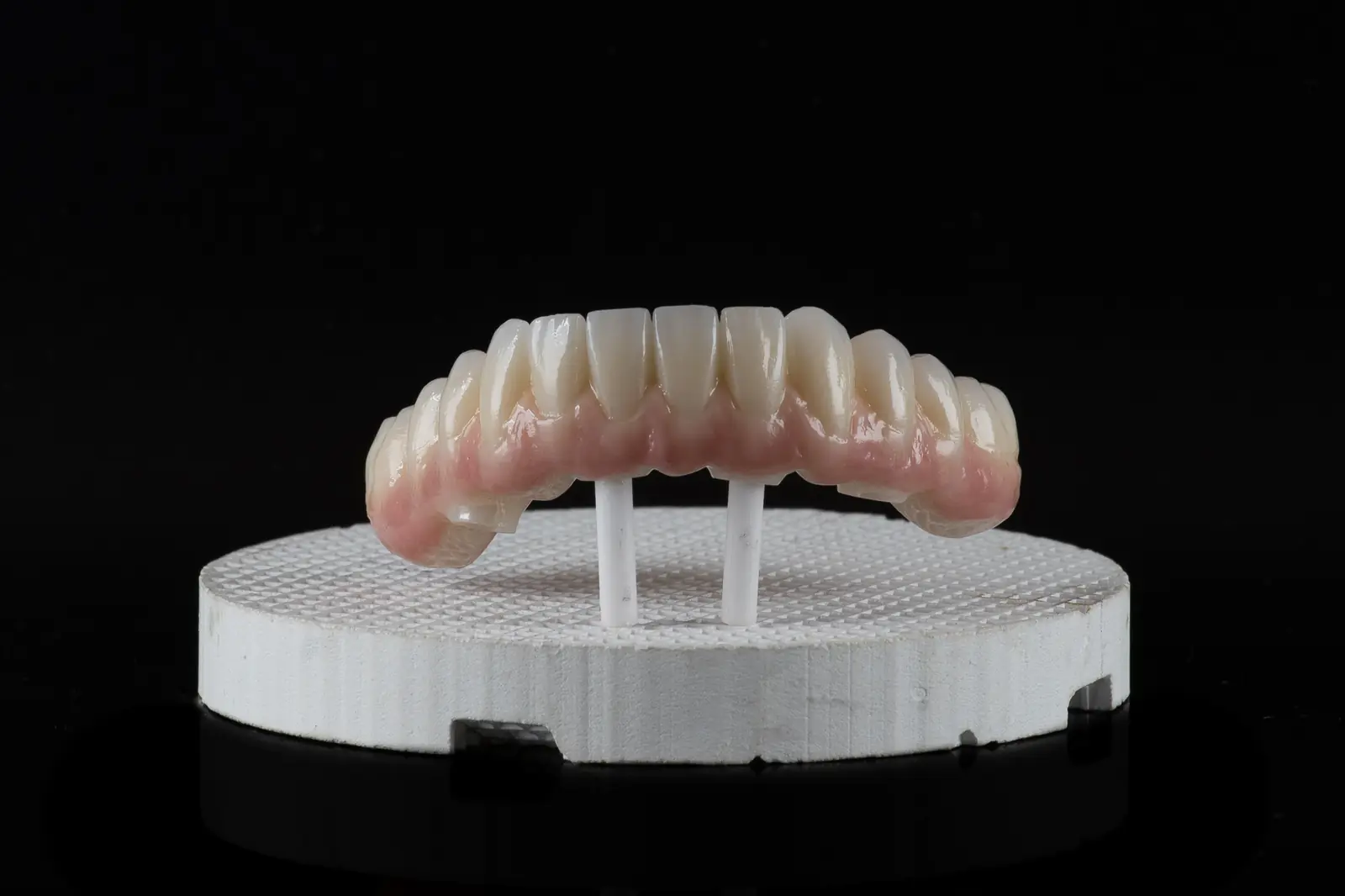
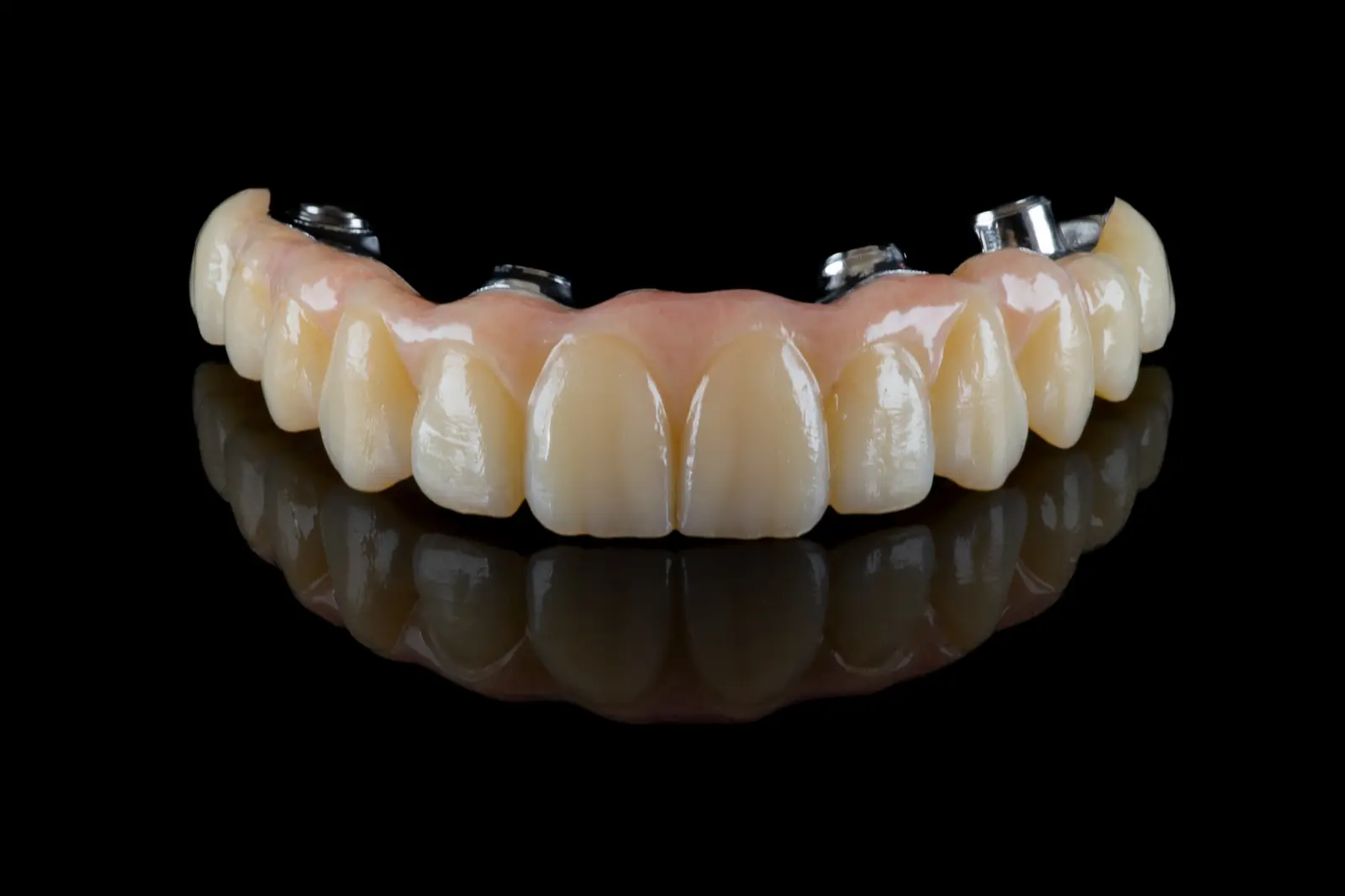
designing anatomical crowns
using different anatomical libraries
matching to a wax-up
mirroring the patient's own tooth
The .stl files of the designed crowns can be downloaded and viewed!
You can view the designed crowns in two ways:
In a browser, open https://webview.dental/ and load the downloaded files into the interface!
On a phone or tablet, first download the free "exocad webview" application! From then on you can open any .stl file on the device, whether it is an email attachment or a downloaded file.
With this method you will also be able to check restorations designed in the laboratory in future.